
This article will be published soon
Scheduled for: 2026-07-06 21:55
The article will appear automatically when the time arrives — no need to refresh.
The Problem of Closed and Expensive Video Editors
In recent years, video editors like CapCut and Premiere Pro have become the standard tools for content creators. But they come with problems. CapCut is owned by Bytedance, and its policies are subject to change. Premiere Pro requires an expensive monthly subscription of over $20. Even open source alternatives like Kdenlive and Shotcut, despite their power, do not offer a modern web-based editor experience that runs in the browser.
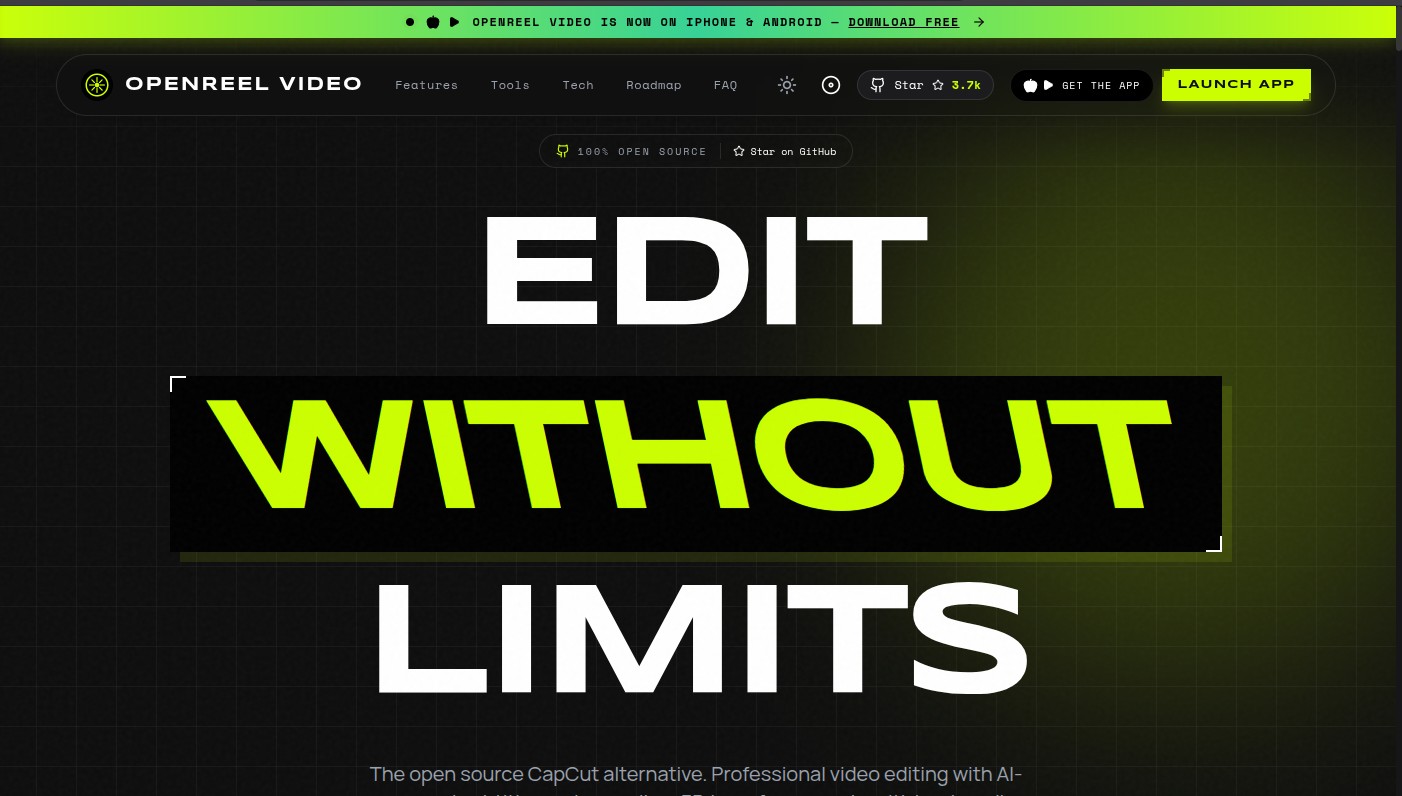
OpenReel Video came to offer a completely different solution: a professional video editor that is open source (MIT), runs locally in the browser or as a desktop app, with no subscriptions, and no uploading of your data to external servers.
🔗 Official Website: openreel.video 🔗 Official Repository: github.com/Augani/openreel-video
What Is OpenReel Video?
OpenReel Video is an open source video editor (licensed under MIT) designed to be a free and powerful alternative to CapCut. It is built on modern web technologies: WebGPU, WebCodecs, WebAssembly, and FFmpeg.wasm. All processing happens locally on your device, without uploading any files to external servers.
The application offers a range of professional features:
- Multi-track editing with frame-accurate precision.
- AI-powered auto-captions and text-to-speech in over 90 languages.
- Professional color grading tools.
- Multi-track audio mixing.
- Transition effects, green screen chroma key, and AI background removal.
- Direct export to social media-optimized formats.
Key Features
AI-Powered Auto-Captions
OpenReel Video automatically converts speech to text with high accuracy, supporting over 90 languages. Captions come with word-level timing, enabling precise synchronization with video. It also supports karaoke-style subtitles that highlight words word-by-word as they are spoken, a popular style for TikTok and Reels videos.
Text-to-Speech
Any text can be converted to natural-sounding voiceovers, with multiple voice options, languages, and speaking styles. This feature is very useful for educational content creators and tutorial makers.
AI Background Removal
The background removal feature works with one click, without needing a green screen. It uses AI to identify and remove backgrounds from any video or image, making it ideal for talking head videos.
Professional Color Grading
The application offers advanced color grading tools similar to those in DaVinci Resolve: color wheels, curves, HSL adjustments, and LUT support. These tools give the editor full control over the video’s appearance.
Fully Local Processing
All editing and generation operations happen on your device. None of your files are uploaded to external servers. This not only protects your privacy but also means the application works offline.
Hardware Acceleration
OpenReel Video uses WebGPU and WebCodecs to accelerate editing and export, enabling smooth 4K video editing even on mid-range devices. The application is available as a web app (PWA) and as desktop applications for Windows, Mac, and Linux.
Quick Comparison with Other Editors
| Feature | OpenReel Video (MIT) | CapCut | Premiere Pro |
|---|---|---|---|
| License | Open Source (MIT) | Proprietary | Proprietary |
| Price | Free forever | Free (with paid features) | Monthly subscription ($22+) |
| Privacy | Fully local processing | Uploads data to server | Local processing |
| AI Features | Auto-captions, background removal | Auto-captions | Limited |
| Compatibility | Web, Windows, Mac, Linux, Android, iOS | Web, Windows, Mac, Android, iOS | Windows, Mac |
| Performance | WebGPU (fast) | Hardware-dependent | Hardware-dependent |
| Version Control | JSON-based (scriptable) | Not available | Not available |
Download and Installation
OpenReel Video is available in several ways:
Web (PWA): Open the website in a modern browser (Chrome, Edge, Brave). It can be installed as an app on your phone or computer via the install icon in the address bar.
Desktop (macOS, Windows, Linux): Download the appropriate installer from the project website. Current versions are Alpha (experimental) and receive automatic background updates.
Mobile (iOS, Android): The application is now available on the App Store and Google Play, with the full video editor.
Building from Source:
git clone https://github.com/Augani/openreel-video.git
cd openreel-video
pnpm install
pnpm dev
The $OPENREEL Token
The project includes a community token on the Solana network called $OPENREEL, available for anyone to participate in the open source ecosystem. This token is a community tool, not a financial investment.
Summary
OpenReel Video represents a paradigm shift in the world of open source video editing. It combines professionalism with ease of use, while maintaining privacy and full control. If you are looking for a free and powerful alternative to CapCut or Premiere Pro, or want a video tool that works in the browser without uploading your data, OpenReel Video is worth trying.
Quick Links
https://github.com/Augani/openreel-video
Published in the Free and Open Source Software section – Video Editing Tools


Reactions & Comments
Sign in with GitHub to leave a comment or react. Powered by Giscus (stored in GitHub Discussions)